
How to Transfer Spotify Playlists to Another Account
this guide will show you how to transfer Spotify playlists, liked songs, albums, artists, and podcast subscriptions quickly from one account to another.
Method 1: TuneMyMusic
TuneMyMusic is a popular and easy-to-use service for transferring Spotify playlists between accounts.
Note: this tool does not transfer podcast subscriptions
Tool Used
👉 https://www.tunemymusic.com/
Steps to Transfer Spotify Playlists
- Go to https://www.tunemymusic.com/
- Select Spotify as the source platform:

- Sign in to your old Spotify account (the account with your playlists):
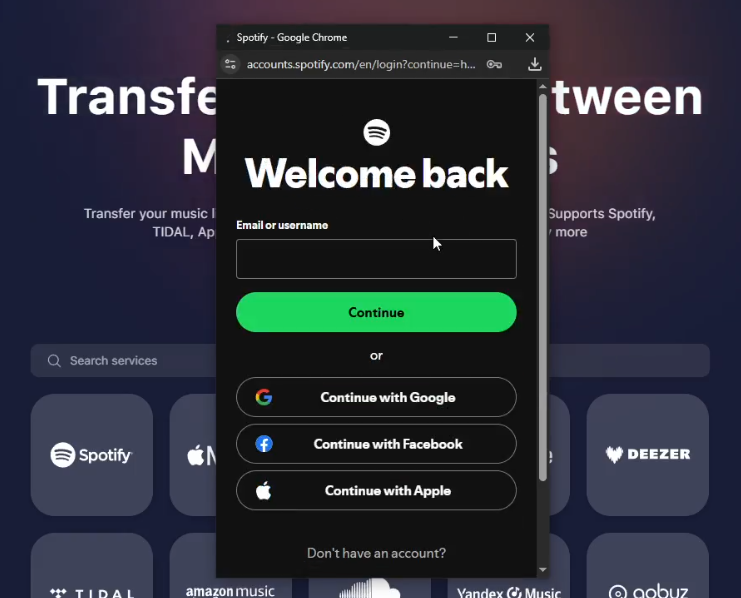
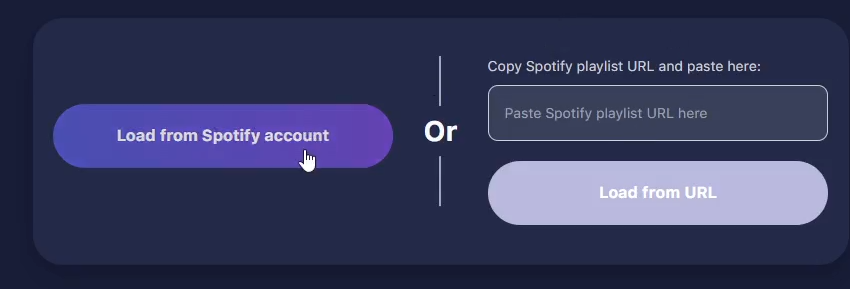
- Click “Load from Spotify Account”:
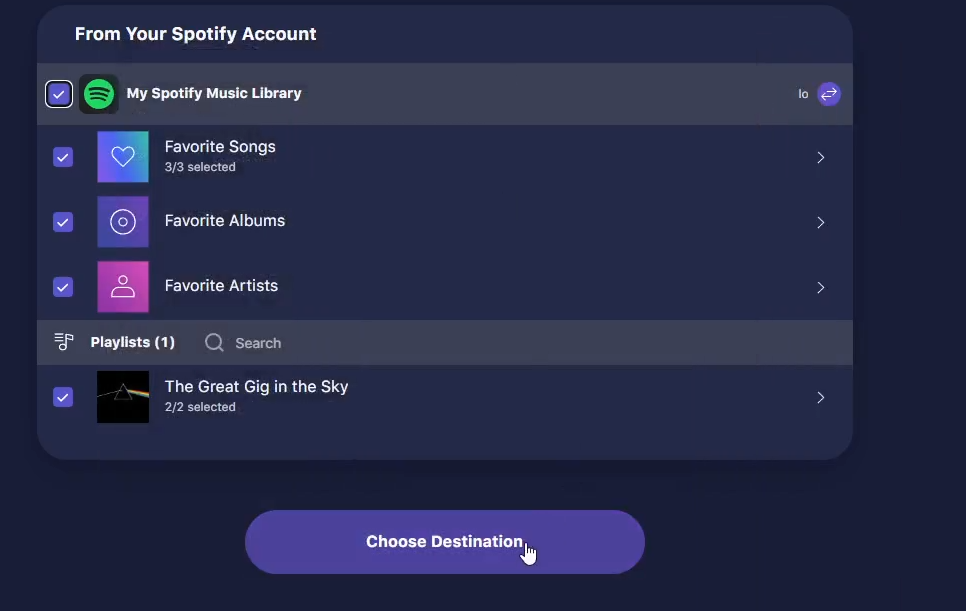
- Select your playlists, albums, and artists. Then click “Choose Destination”.
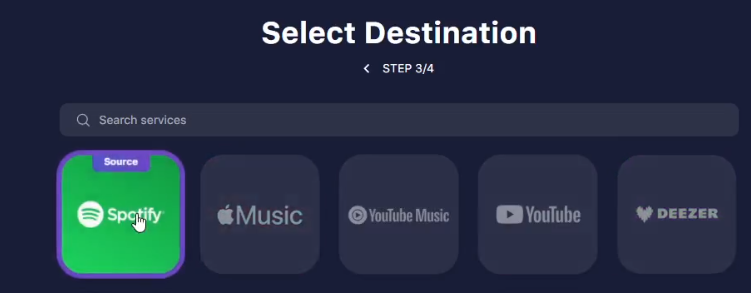
- Choose Spotify again as the destination.
- Click “Add New Account”.
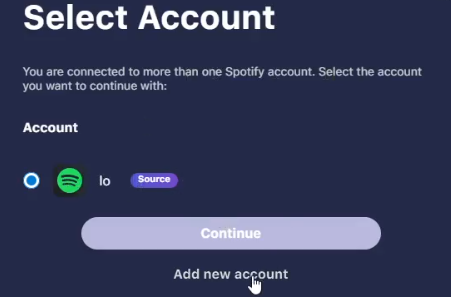
- Log in to your new Spotify account.
- Click “Start Transfer”.
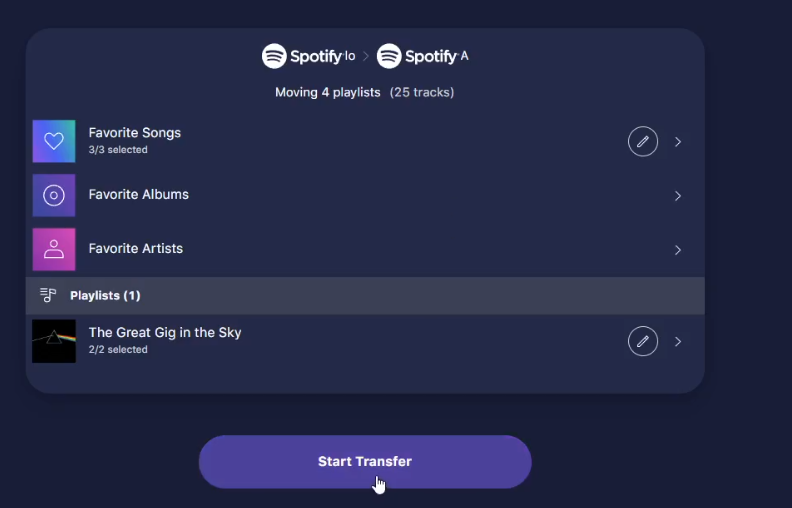
Your Spotify playlists have now been successfully transferred.
Method 2: Trikatuka
This method uses a publicly available free tool that supports transferring playlists, liked songs, albums, artists, and podcast subscriptions.
Tool Used
👉 https://trikatuka.aknakn.eu/
Steps to Transfer Spotify Playlists
- Go to https://trikatuka.aknakn.eu/
- Sign in to your old Spotify account using the first sign-in button.
- Sign in to your new Spotify account using the second sign-in button.

- Click “Transfer all” to transfer playlists:
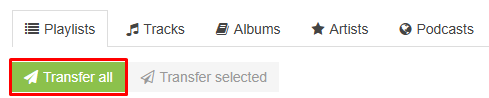
- To transfer liked songs, click “Tracks” then “Transfer all”:

- You can do the same with albums, artists, and podcast subscriptions